With the Gripp app
Scan your way
to your next ride.
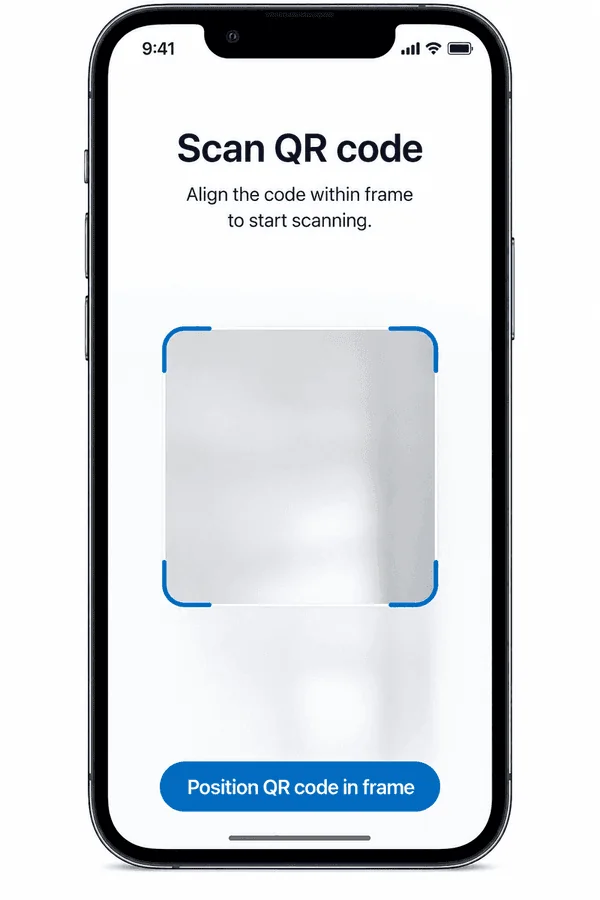
Open the Gripp app and point its scanner at the vehicle’s QR code. Follow the prompts and wait for unlock confirmation.
Gripp C1 / Cycle
Pick C1 when you want to pedal through your next city trip. Our default shared electric cycle pairs pedal assistance with a front basket. Find and unlock your ride with Gripp.
Find a ride in the app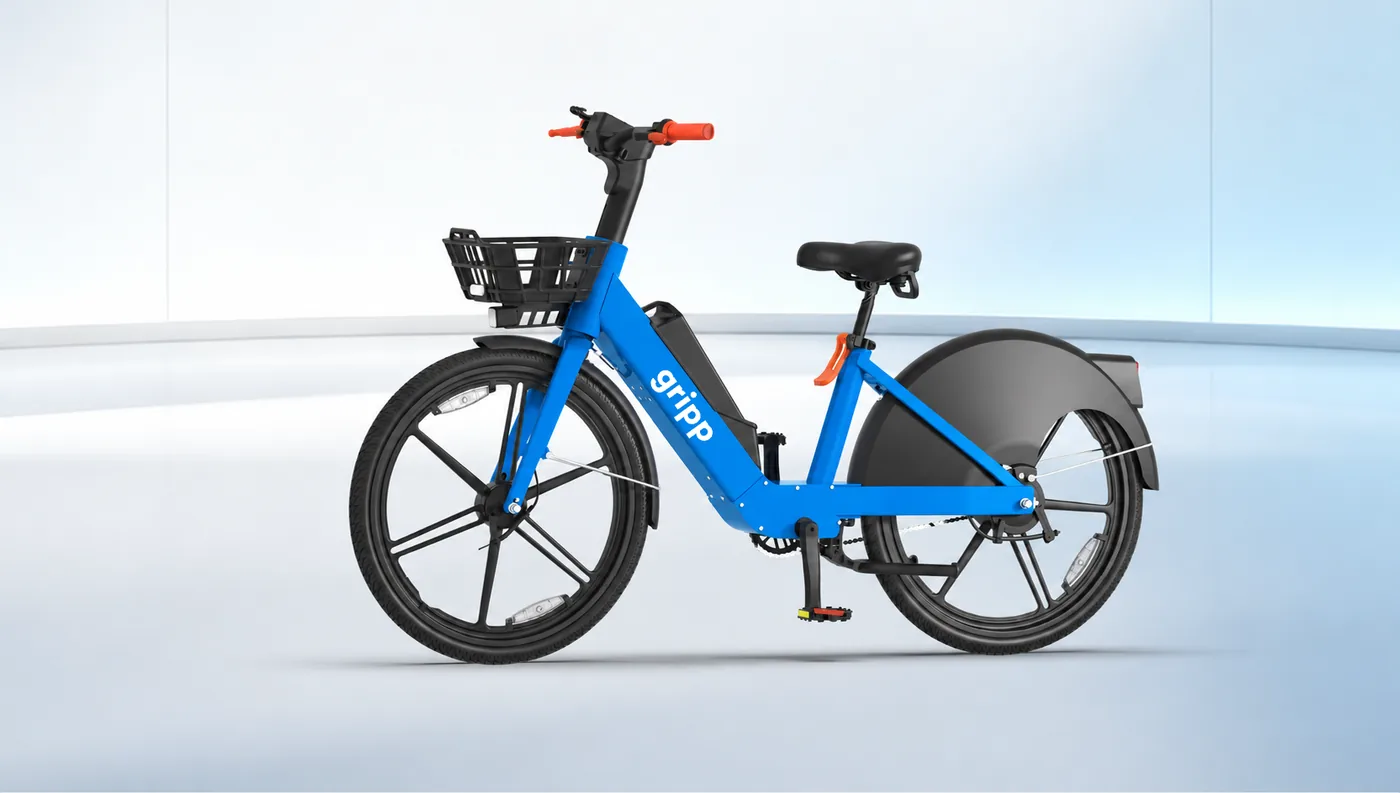
Renting with Gripp
A good ride starts with clear rental details. Check what is available, what it costs and where your ride should end.
Shared rides depend on local availability. Use the app to check vehicles and the riding area near you.
Check the rental charges and any applicable requirements before you unlock. Follow the return instructions for your location.
For help choosing a rental or understanding local options, speak with the Gripp team.
Check the Gripp app for the charges and terms offered for your selected ride and location before you start.
Follow the parking instructions in the app for your location. Park in an allowed place, lock the vehicle and confirm that the ride has ended.
U1 + C1 / Shared mobility by default
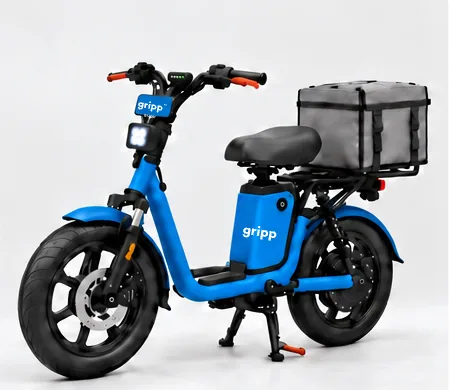
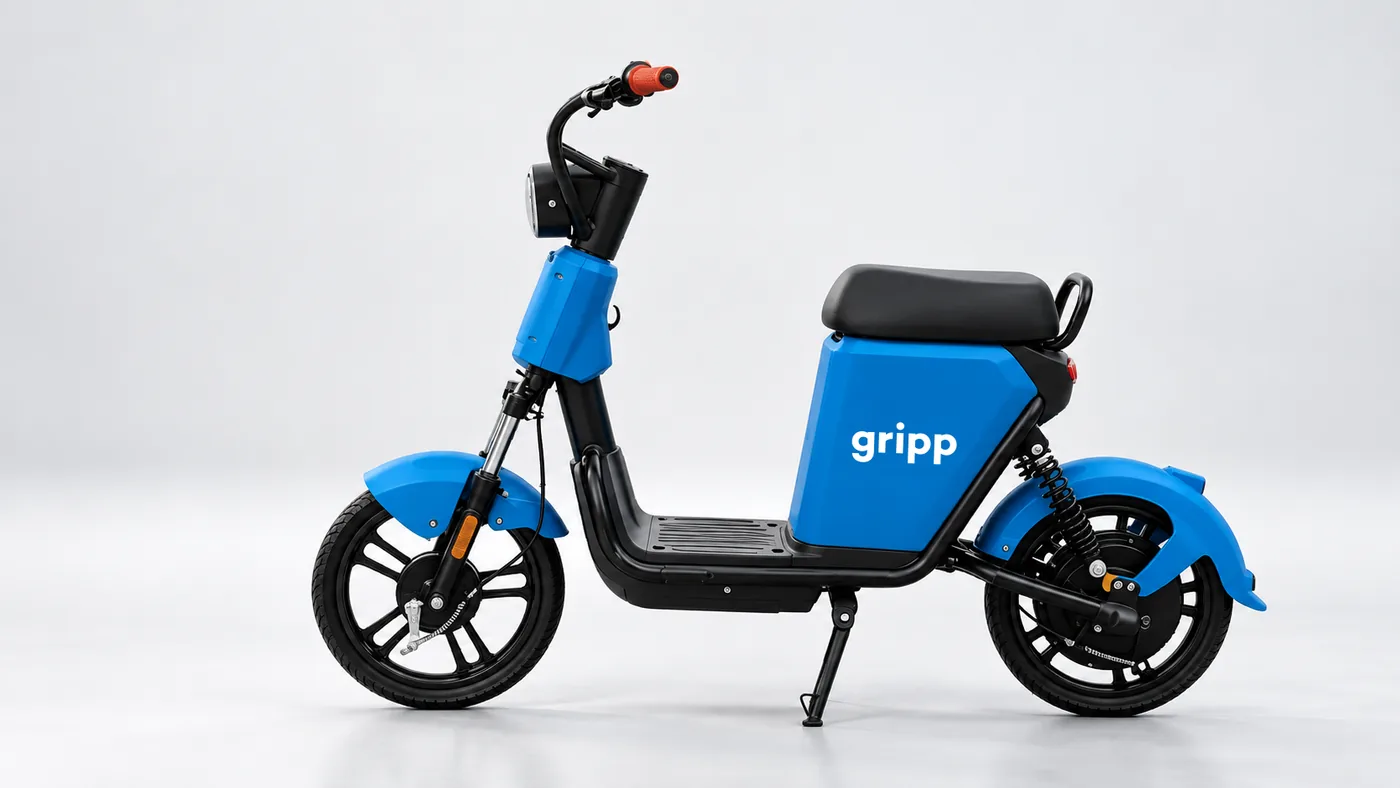
U1 and C1 are Gripp’s default shared rides. Find one nearby, check the rental details and unlock with an app scan or your NFC card. Gripp’s ready technology takes care of NFC and Bluetooth locking.
With the Gripp app
Open the Gripp app and point its scanner at the vehicle’s QR code. Follow the prompts and wait for unlock confirmation.
With your NFC card
Hold your activated Gripp NFC card against the vehicle’s reader. Wait for unlock confirmation before setting off.
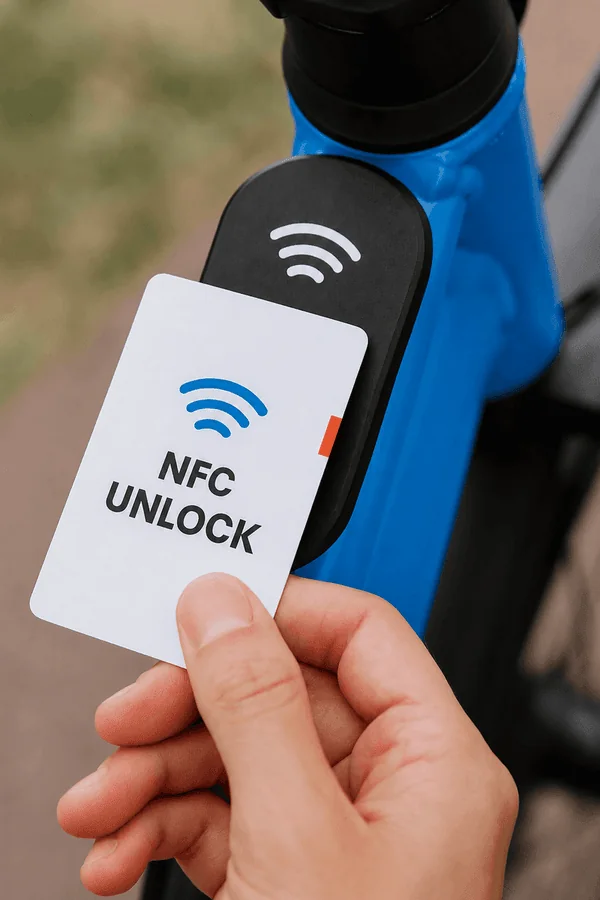
Connected with Gripp. NFC and Bluetooth locking are supported by our ready shared-mobility technology.
Get the Gripp app to check nearby rides
Check the Gripp app for service availability and the parking instructions for your location.
03 / Cycle
For a local errand or a short city journey, choose a shared cycle with pedal assistance. Adjust the saddle, check the bike and get going.
Explore C1
Pedal assistance supports your cycling, while the front basket makes room for small everyday essentials.
Other ways to ride with Gripp
Images are illustrative. Check the Gripp app or speak with our rental team for local availability, charges and rental terms.